Rendering
The primary function of this library is jaxsplat.render:
Basic usage
Let’s render random 3D Gaussians to an image. We start by importing packages:
import jaxsplat
import jax.numpy as jnp
import jax
import imageio.v3 as iio
jaxsplat.render takes 5 array inputs describing the geometry and appearance of 3D Gaussians.
Instead of means, 3D covariances, colors, and opacities, we use means, scales, quaternions, colors, and opacities.
Let’s initialize them randomly with 1000 Gaussians:
key = jax.random.key(0)
key, *subkeys = jax.random.split(key, 6)

num_points = 1000

means3d = jax.random.uniform(subkeys[0], (num_points, 3), minval=-3, maxval=3)
scales = jax.random.uniform(subkeys[1], (num_points, 3), maxval=0.5)
quats = jax.random.normal(subkeys[2], (num_points, 4))
colors = jax.random.uniform(subkeys[3], (num_points, 3))
opacities = jax.random.uniform(subkeys[4], (num_points, 1))
Our quaternions need to be normalized before using them with jaxsplat.render:
quats /= jnp.linalg.norm(quats, axis=-1, keepdims=True)
We then set the other parameters. Let’s output a (900, 1600) image, use 90 degrees FoV, and set the principal point to the center of the viewport.
We also set the global scale of Gaussians to 1 and clip any Gaussians closer than 0.01 to the camera:
viewmat = jnp.array([
  [1, 0, 0, 0],
  [0, 1, 0, 0],
  [0, 0, 1, 8],
  [0, 0, 0, 1],
], dtype=jnp.float32)
background = jnp.ones((3,), dtype=jnp.float32)
W = 1600
H = 900
img_shape = H, W
f = (W / 2, H / 2)
c = (W / 2, H / 2)
glob_scale = 1
clip_thresh = 0.01
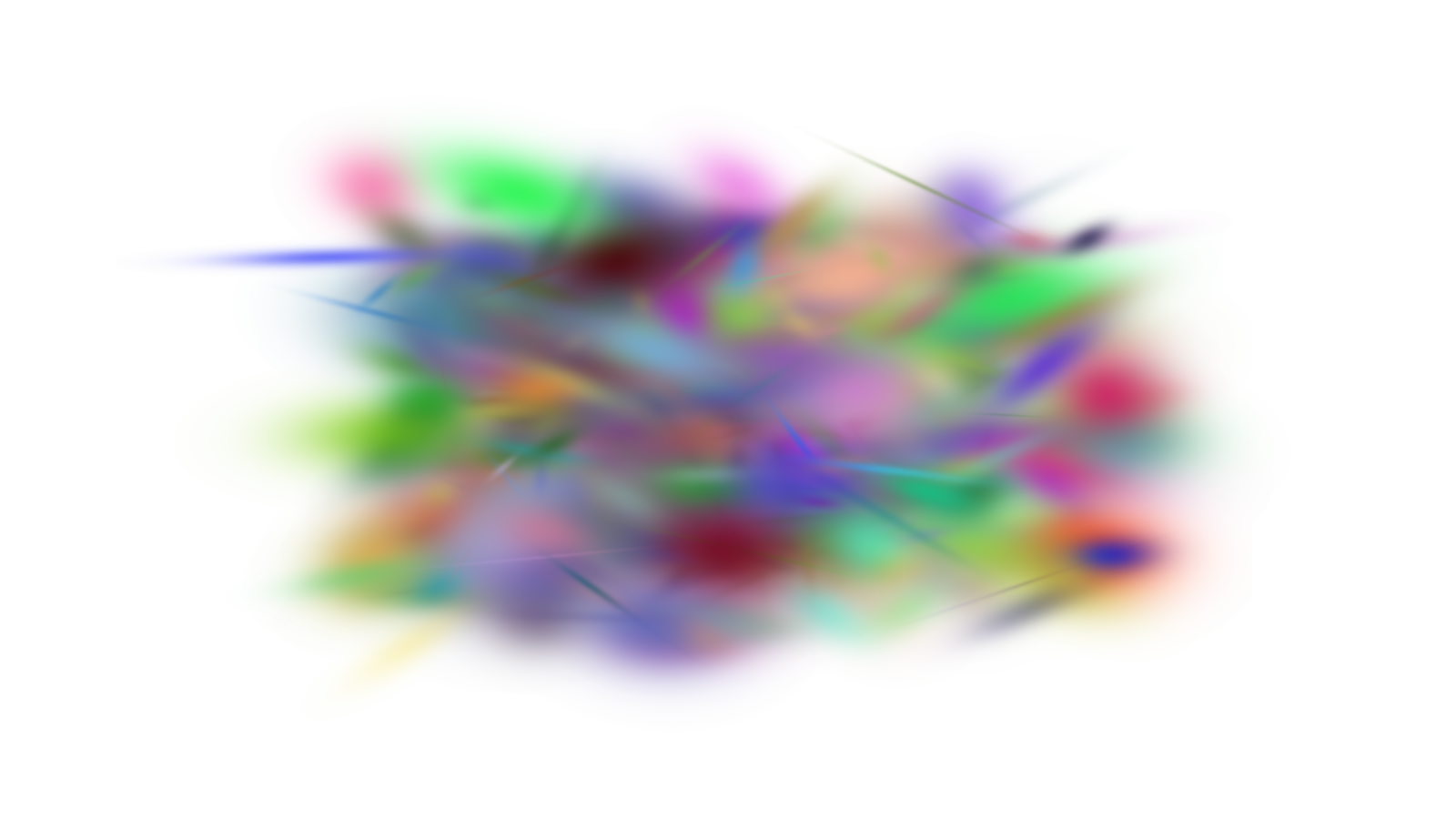
We’re now ready to render and save the image to a file:
img = jaxsplat.render(
    means3d,
    scales,
    quats,
    colors,
    opacities,
    viewmat=viewmat,
    background=background,
    img_shape=img_shape,
    f=f,
    c=c,
    glob_scale=glob_scale,
    clip_thresh=clip_thresh,
)
iio.imwrite("output.png", (img * 255).astype(jnp.uint8))
We got our output!